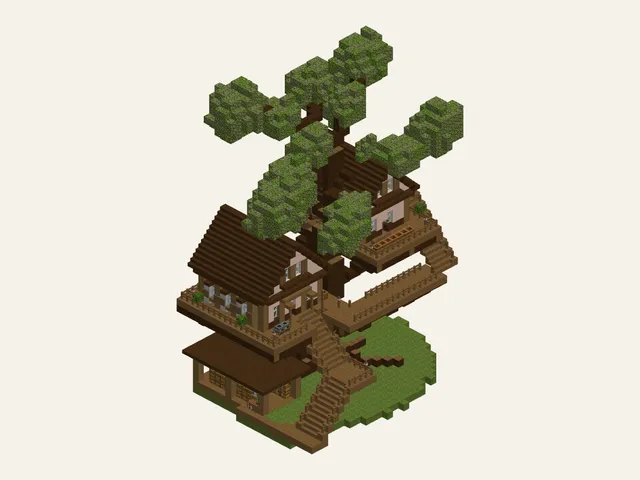
Azalea Treehouse
Medium · 438 steps
You found a house you love, followed along, and it came out crooked. These Minecraft blueprints fix that. Every guide starts with the exact block list, a plan you can read one layer at a time, and numbered steps that put each piece in its place. You can look through every build before paying.
No video to pause, no schematic mod to install, no guessing which block goes where.
Java · Bedrock · Switch, Xbox, PlayStation · phone and tablet
12 Minecraft build ideas, with new builds every week
Starter huts, cozy cottages, Japanese houses, survival bases and castles. Every Minecraft house building guide here is an original design with its own plate number in the atlas, and where a build has rooms, an interior chapter furnishes them. Easy builds fit into one evening; Hard builds are projects you come back to for weeks. Each card shows the level and the number of steps, so you can pick one that fits your time.
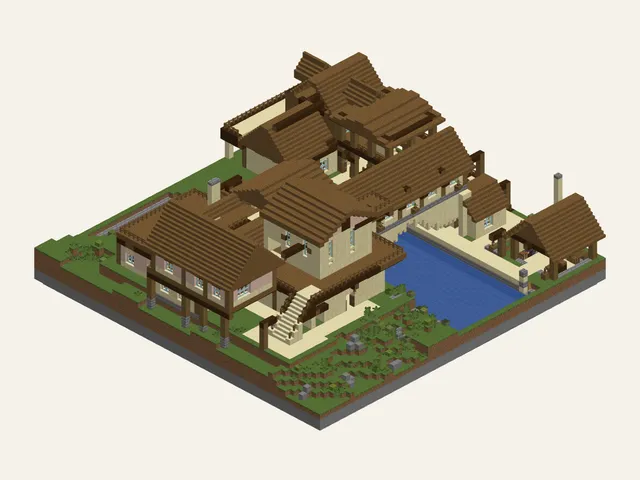
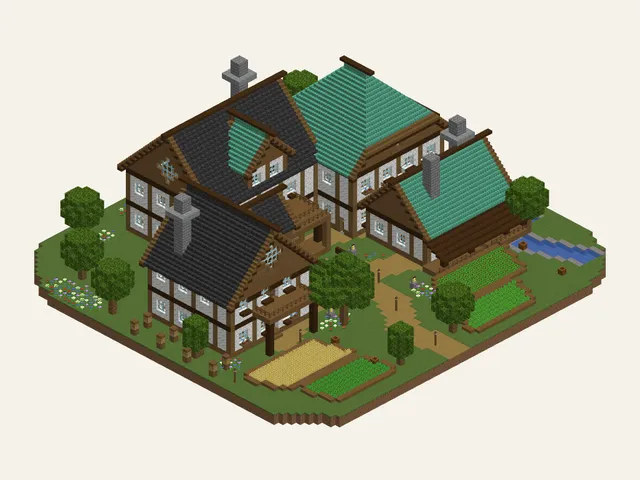
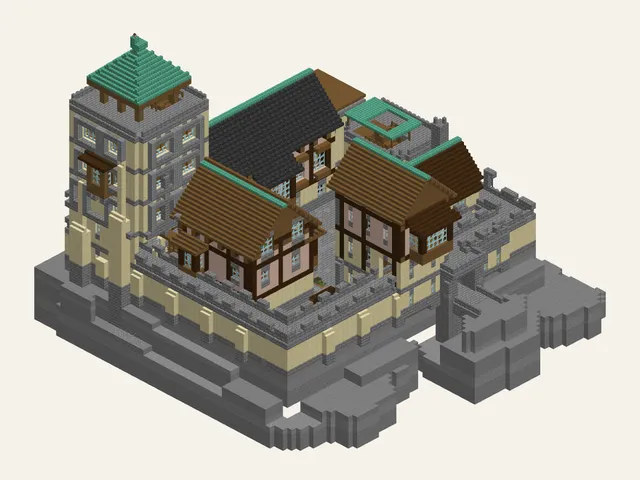
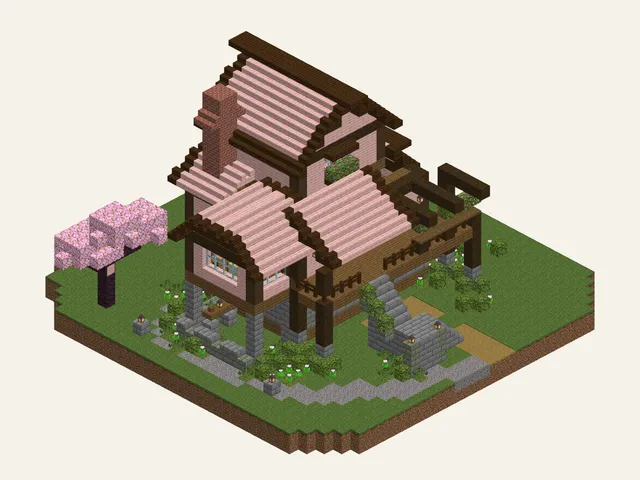
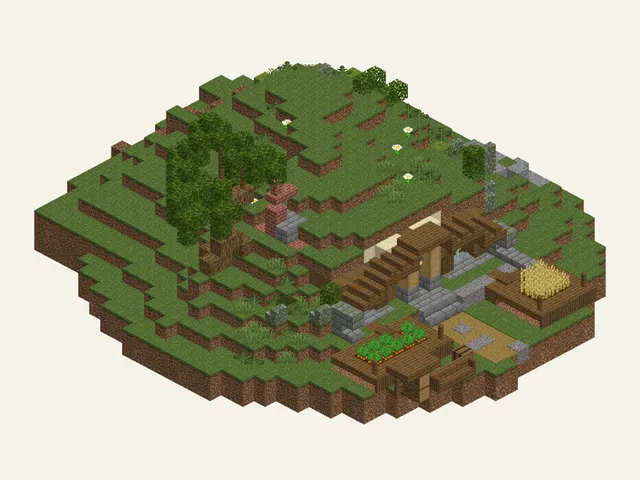
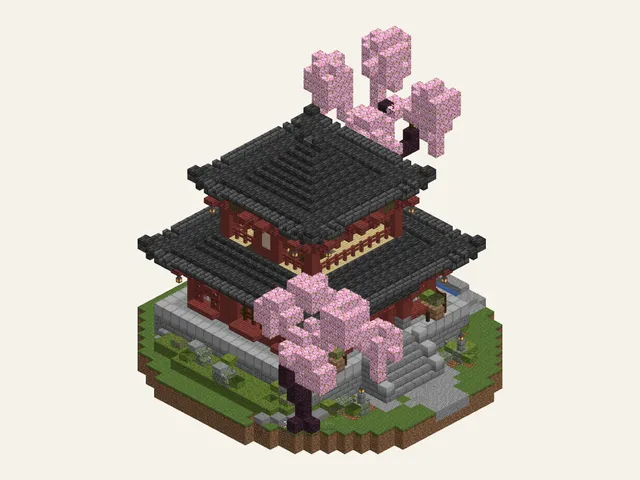
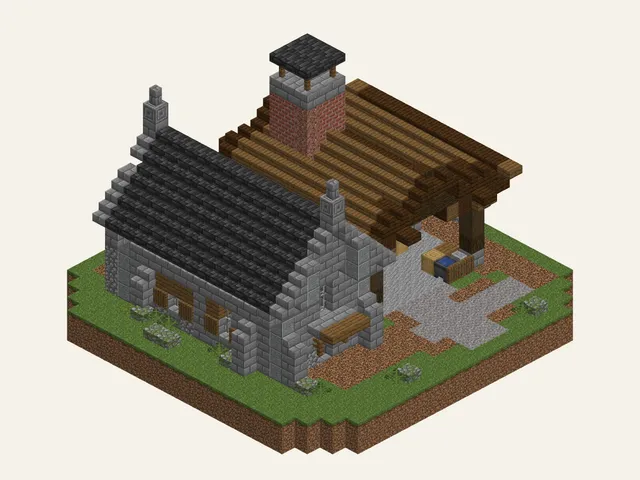
If you can place a block, you can finish a big Minecraft build. The hard part is counting and keeping your place, not the building itself, and each guide does both for you. All that's left is the fun part.
Every build shows its size, build time, how many chests you'll need and which blocks are hard to find, before you place anything.
Tick off each item as you collect it. Switch to raw materials to see the logs and stone behind the planks and bricks.
Prop your phone next to the game. Each step shows the new blocks in red right where they go, with their names and counts beside them. Tap Next.
Minecraft building tips for beginners: pick an Easy build under 100 steps, gather everything on the block list before you start, and switch to the blueprint when a wall gets busy. One finished hut teaches more than three half-built castles.
The block list, the blueprint and the steps all come from the same build, so they always agree. Here's what every build guide includes, from the smallest hut to the biggest castle.
Every item counted in stacks and chests, with hard-to-find blocks flagged and every count matching the steps. Free on every build.
A top-down grid with one square per block, so you see one layer at a time and nothing gets lost.
Usually 5 to 15 blocks each, highlighted, named and counted, so you never mix up a slab and a stair.
Where a build has rooms, an interior chapter furnishes them, so you finish with a home, not an empty shell.
Close it tonight and pick up from the same step next week. Your plan and your progress belong to your account, so they follow you to any device you sign in on.
Big buttons, no swiping, and the screen stays awake while you play Minecraft beside it.
Stand your phone or tablet next to the screen and BlockyAtlas works like an app: full-screen steps, buttons big enough to hit with one thumb while the other hand stays on the controller, and a screen that stays awake. Add it to your home screen and your current build is one tap away. Nothing to download from a store, nothing to install on your console or PC, and nothing touches your world or save files, so the same guide works for Minecraft on Switch, Xbox, PlayStation, computer and phone.
iPhone and iPad: tap Share, then Add to Home Screen.
Android: open the browser menu, then Add to Home screen.
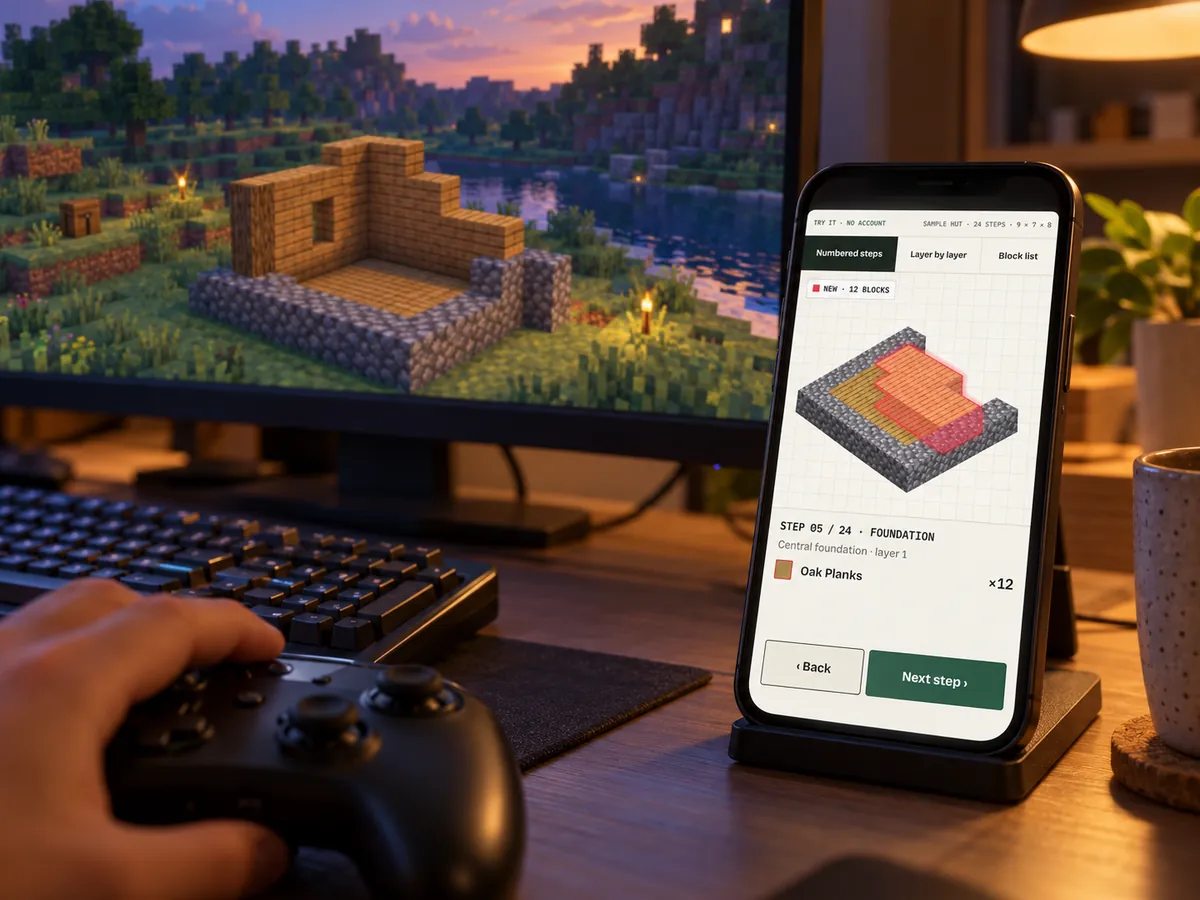
Videos are great for deciding what to build. Once you start placing blocks, a Minecraft building website that does the counting is easier to follow: you set the pace, and every row is already counted for you.
Scroll the table sideways, or use the buttons below it.
| BlockyAtlas | Video tutorial | Blueprint image | Schematic + mod | |
|---|---|---|---|---|
| One small step at a time | Pause and rewind | — | With overlay | |
| Exact count for every block | — | — | ||
| Block list in stacks and chests | Sometimes | — | With a mod | |
| A blueprint for every layer | — | Sometimes | ||
| Nothing to install | — | |||
| Java, Bedrock and console | Varies | Mostly Java | ||
| Furnished interior | Sometimes | — | Sometimes | |
| Remembers where you stopped | — | — | — |
Found a build you like on video? Look for a similar one here, follow the guide at your own pace, and keep the video for ideas.
Every step and every blueprint layer, with no account or card needed. A new set of free Minecraft blueprints and build guides arrives each week.
or $4.99 / month · or $29 once for lifetime (early-bird; $39 after)
Reminder 3 days before renewalCancel in one tap14-day refund
No weekly plans, no trial that charges your card.
No account needed to start.
Start a free build guide